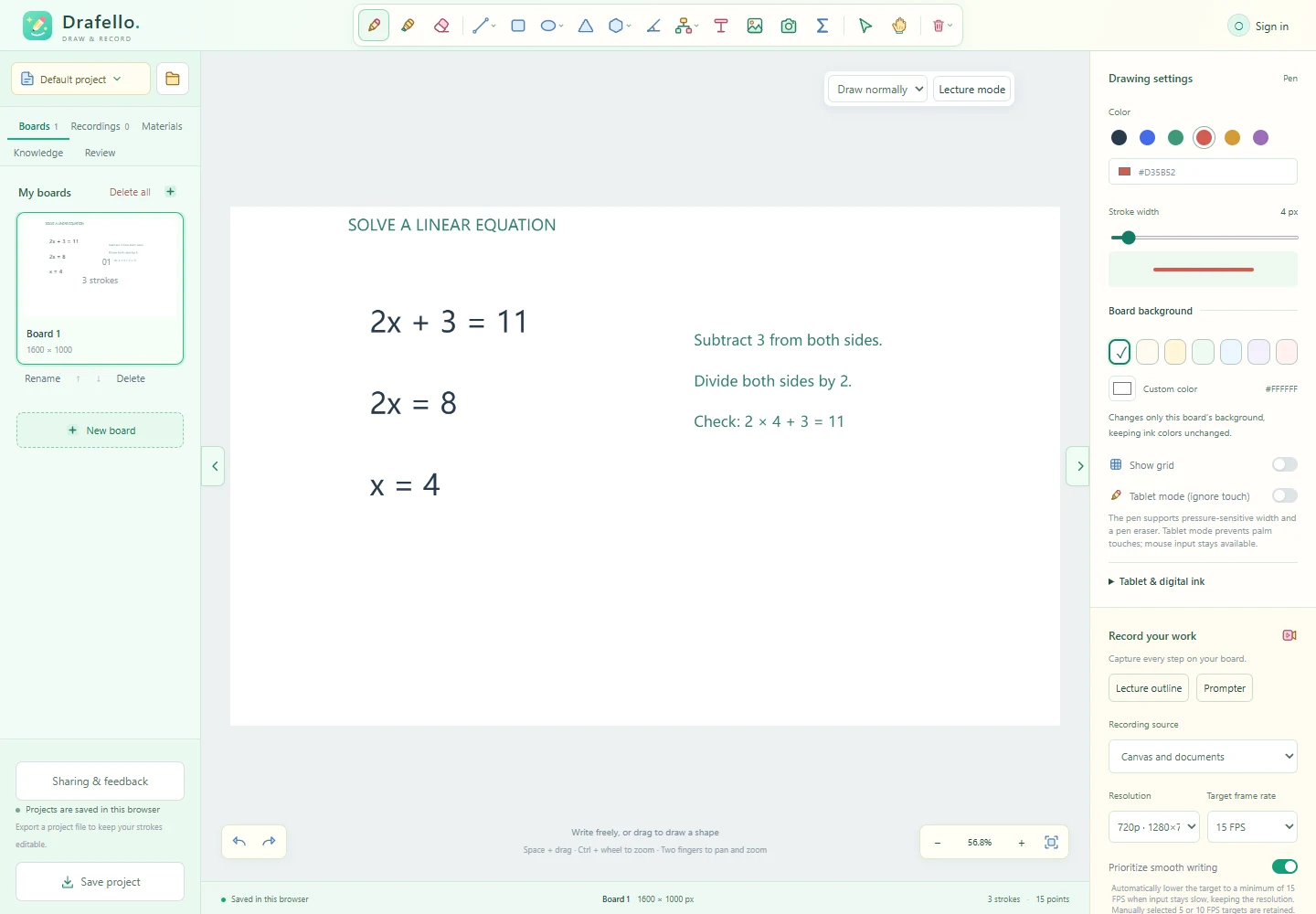
Record a whiteboard lesson
Write, draw and explain as you record. Build a worked example for a tutoring session or a short teaching video.
Explore this workflowA browser workspace for teachers, tutors and educators: open course materials, annotate, record your explanation and save your project for the next lesson.
Write, draw and explain as you record. Build a worked example for a tutoring session or a short teaching video.
Explore this workflow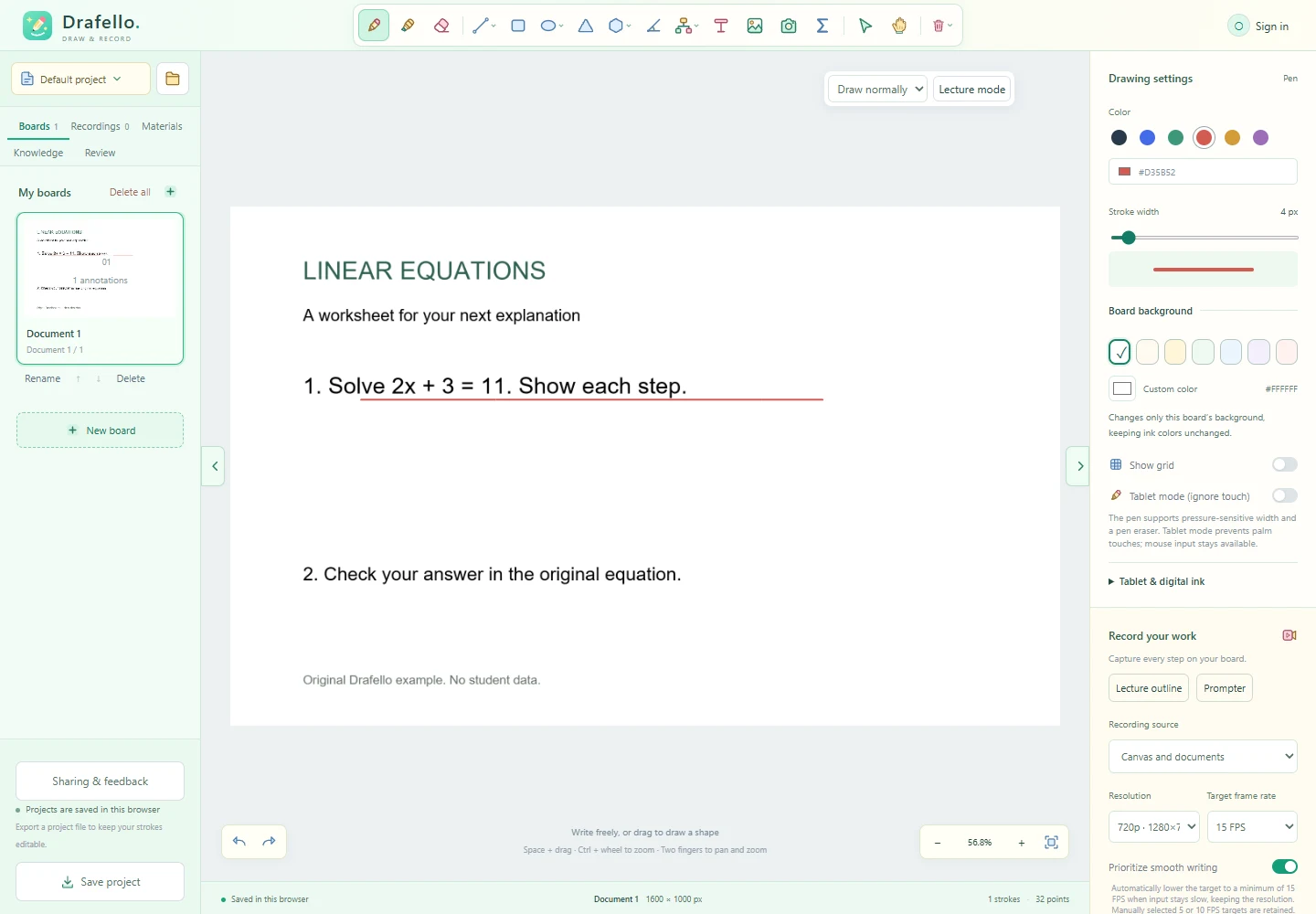
Open a worksheet, highlight the details and record your explanation with annotations and microphone narration.
Explore this workflow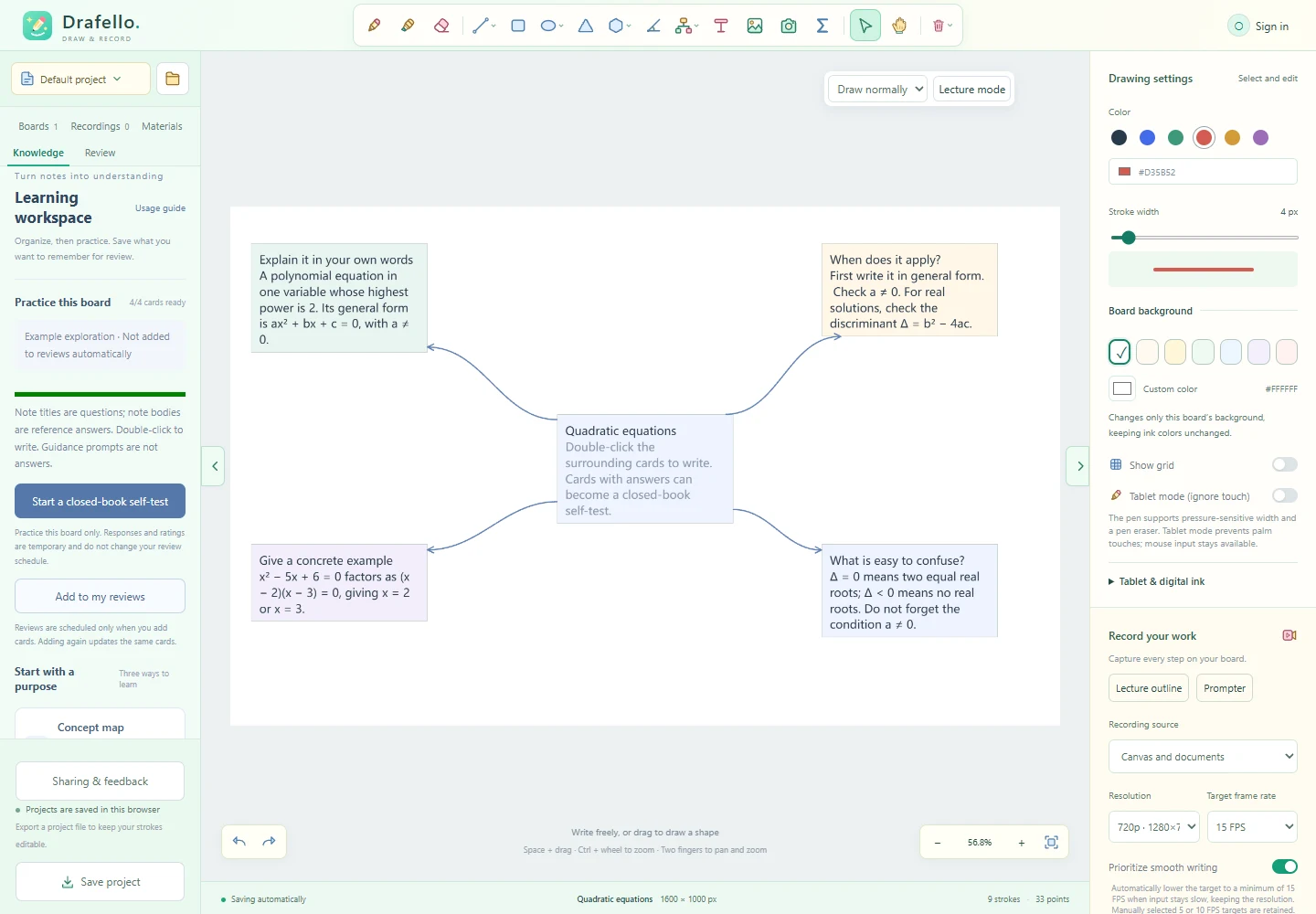
Connect ideas with handwriting, diagrams and notes. Work through math, physics and chemistry, then practice recalling your explanation.
Explore this workflowRevisit saved questions, write a fresh response, then check the answer.
Pens, highlighters, text, shapes and angle annotations. Edit, zoom and undo as you work.
Annotate PDFs locally, write on converted Word and Excel files, and open PPT as static pages or dynamic SVG.
Record at 540p, 720p or 1080p and 5, 10, 15, 24 or 30 FPS. Pause and resume whenever you need.
Keep boards and recordings in separate projects. Strokes are saved incrementally, and projects can be exported.
PDFs are processed locally; Word, Excel and PPT use cloud conversion. Verify your email to check free trial availability. Pro includes monthly conversion credits.
Save basic editable backups for free. Pro adds full project packages with recordings and cloud backups for restoration on another device.
Drafello is a browser-based workspace for online whiteboards, document annotation, visual study notes and lesson video recording, built for teachers, tutors and knowledge creators.
Yes. You can open the whiteboard and start drawing without signing in or installing an app. Free users can save a basic editable project backup. Pro adds features including watermark-free video exports, full project packages and cloud backups. See Pricing for current plan details.
Compare plans →Yes. PDFs are processed locally in your browser. Word, Excel and PowerPoint files use cloud conversion before annotation; PowerPoint can be imported as static pages or a dynamic SVG presentation. Cloud conversion depends on service availability, file limits and credit eligibility. Verify your email to check free trial eligibility; Pro includes monthly conversion credits.
Explore PDF lessons →Open the whiteboard, draw or import a document, choose the recording resolution and audio source, then start recording. You can pause, resume and save the recording. Drafello supports 540p, 720p and 1080p, with target frame rates of 5, 10, 15, 24 or 30 FPS. Actual performance depends on your browser and device.
Follow the recording guide →Projects and recordings are saved in the current browser. Clearing site data can delete these local files, so export backups of work you want to keep. Pro supports full project packages and cloud backups that can be restored on another device. Cloud backup requires signing in and saving the project to the cloud; local saving alone does not create a cloud backup.
Read about project backups →Desktop Chrome or Edge is recommended for recording and video export. Microphone recording requires permission. System audio and dynamic presentation recording depend on browser and operating system support and screen-sharing permission. Available recording and export options can differ by device.
Check audio requirements →Drafello is designed for teachers explaining lesson materials, tutors working through problems, and knowledge creators recording visual explanations. Teachers and students can also organize subject notes with handwriting, diagrams and connected notes. The workspace brings drawing, document annotation, study notes, recording and editable project storage into one browser app.
Explore study notes →Search all guides & questionsCompare free and Pro plansContact supportRead the privacy policy